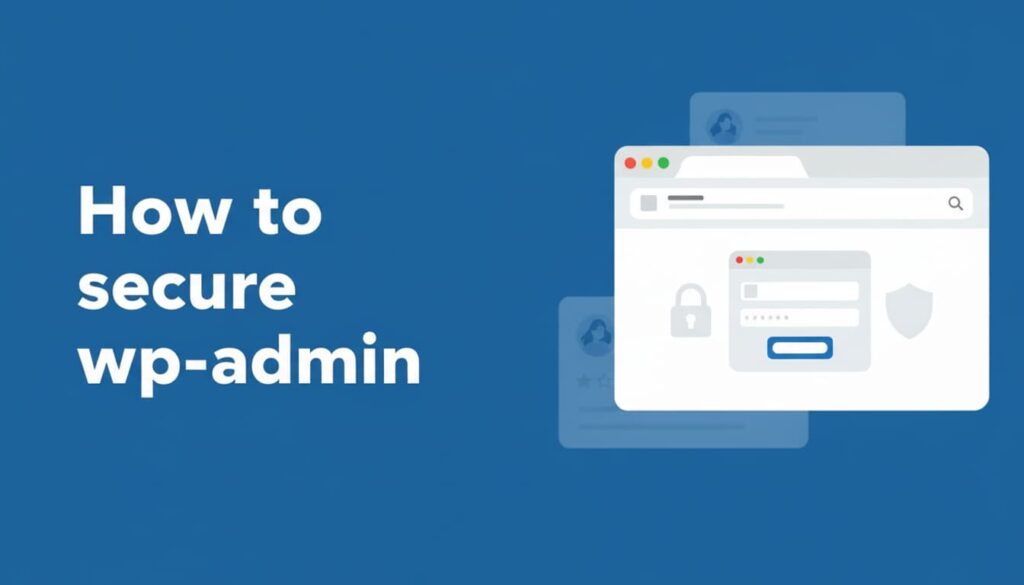
wp-admin is the most attacked part of any WordPress website. Every brute-force attempt, credential-stuffing attack, and malware injection usually starts at /wp-admin or /wp-login.php. If this area is weak, your entire site is at risk.
This advanced guide explains how to secure WordPress admin properly using real-world techniques that actually stop attacks — not just basic tips.
Why Hackers Target wp-admin First
WordPress powers over 40% of the web, and every installation shares the same admin URLs. Hackers don’t need to search for them — they already know where to attack.
- Automated bots scan
/wp-admincontinuously - Weak passwords are exploited within minutes
- Stolen credentials from data breaches are reused
- XML-RPC is abused for large-scale attacks
If wp-admin is compromised, attackers gain full control of your website.
Step 1: Use Strong Login Credentials (Non-Negotiable)
Passwords are still the first line of defense — and most sites fail here.
- Avoid using
adminas a username - Use long, unique passwords for every admin account
- Enable Two-Factor Authentication (2FA)
2FA alone can stop most automated login attacks, even if passwords are leaked.
Step 2: Limit Login Attempts to Stop Brute Force Attacks
Brute-force attacks rely on unlimited login attempts. Limiting attempts blocks bots before they succeed.
This simple protection:
- Stops credential guessing
- Reduces server load
- Protects wp-admin from automated attacks
Most hacked WordPress sites never enabled this.
Step 3: Restrict wp-admin Access by IP Address (Advanced)
For business websites or fixed-location teams, IP restriction is one of the strongest security measures.
Benefits:
- wp-admin accessible only from trusted IPs
- Blocks attackers before WordPress loads
- Improves performance during attacks
Even with stolen credentials, attackers cannot reach the login page.
Step 4: Disable XML-RPC (A Major Attack Vector)
XML-RPC is frequently abused for:
- Mass brute-force login attempts
- DDoS amplification attacks
- Password spraying
If you are not using mobile publishing or Jetpack, XML-RPC should be disabled immediately.
Most WordPress sites do not need it — attackers do.
Step 5: Add Server-Level Authentication to wp-admin
This is a professional-grade security technique.
Server-level authentication adds an extra login prompt before WordPress loads. This means:
- Bots never reach WordPress
- PHP is never executed for attackers
- wp-admin remains protected even during heavy attacks
This method is commonly used on high-traffic and enterprise WordPress sites.
Step 6: Assign Proper User Roles (Most Sites Ignore This)
Many WordPress hacks happen because everyone is an administrator.
Best practices:
- Only 1–2 admin users
- Editors for content teams
- No admin access for freelancers unless required
- Remove inactive or old users
Access control is core security — not an optional feature.
Step 7: Monitor wp-admin Activity
You cannot protect what you don’t monitor.
Track:
- Failed login attempts
- New admin user creation
- File and plugin changes
- Login locations and IPs
Early detection prevents major damage.
Step 8: Disable File Editing From WordPress Dashboard
Once attackers gain admin access, file editing is usually their final step.
Disable:
- Theme file editor
- Plugin file editor
This prevents malware injection even if an account is compromised.
Step 9: Always Secure wp-admin With HTTPS
Without HTTPS:
- Login credentials can be intercepted
- Admin cookies can be hijacked
- Sessions can be stolen
wp-admin should never be accessed over HTTP.
Common wp-admin Security Mistakes
- Relying on one security plugin only
- Leaving XML-RPC enabled unnecessarily
- Keeping unused admin accounts
- Ignoring server-level protection
- Assuming small sites are not targeted
Attackers don’t target size — they target weakness.
wp-admin Security Checklist
- Strong passwords + 2FA
- Limited login attempts
- IP-based admin restriction
- XML-RPC disabled
- Server-level authentication
- Proper user roles
- Activity monitoring
- File editing disabled
- HTTPS enforced
Final Thoughts
Securing wp-admin is not optional. One compromised admin account can lead to data loss, SEO penalties, malware warnings, and lost trust.
Use layered security. Protect wp-admin at the login, server, and user level. This traditional defense-in-depth approach is how WordPress sites stay secure long-term.
On AbhiraWP, security is not about fear — it’s about doing the fundamentals right.